The AI fixes misheard words
Names, slang and numbers the speech model got wrong are corrected before captions are burned in. It may respell a word, never swap in a different one.
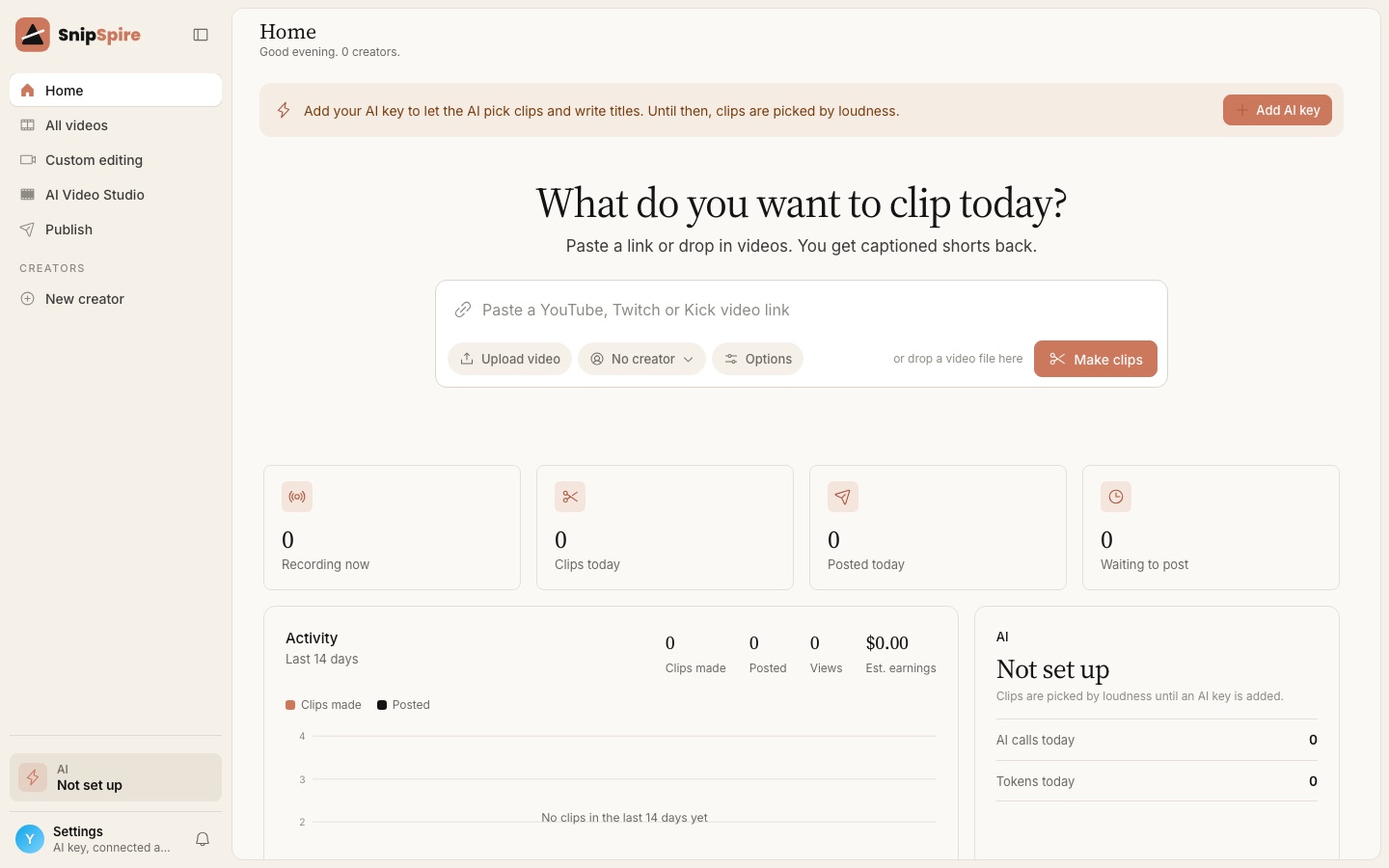
SnipSpire finds the moments in streams, VODs and podcasts, cuts them to vertical with word-by-word captions, and posts them for you.
Plans from ₹99 a month, paid once with UPI or card. No auto-renewal.
The real thing
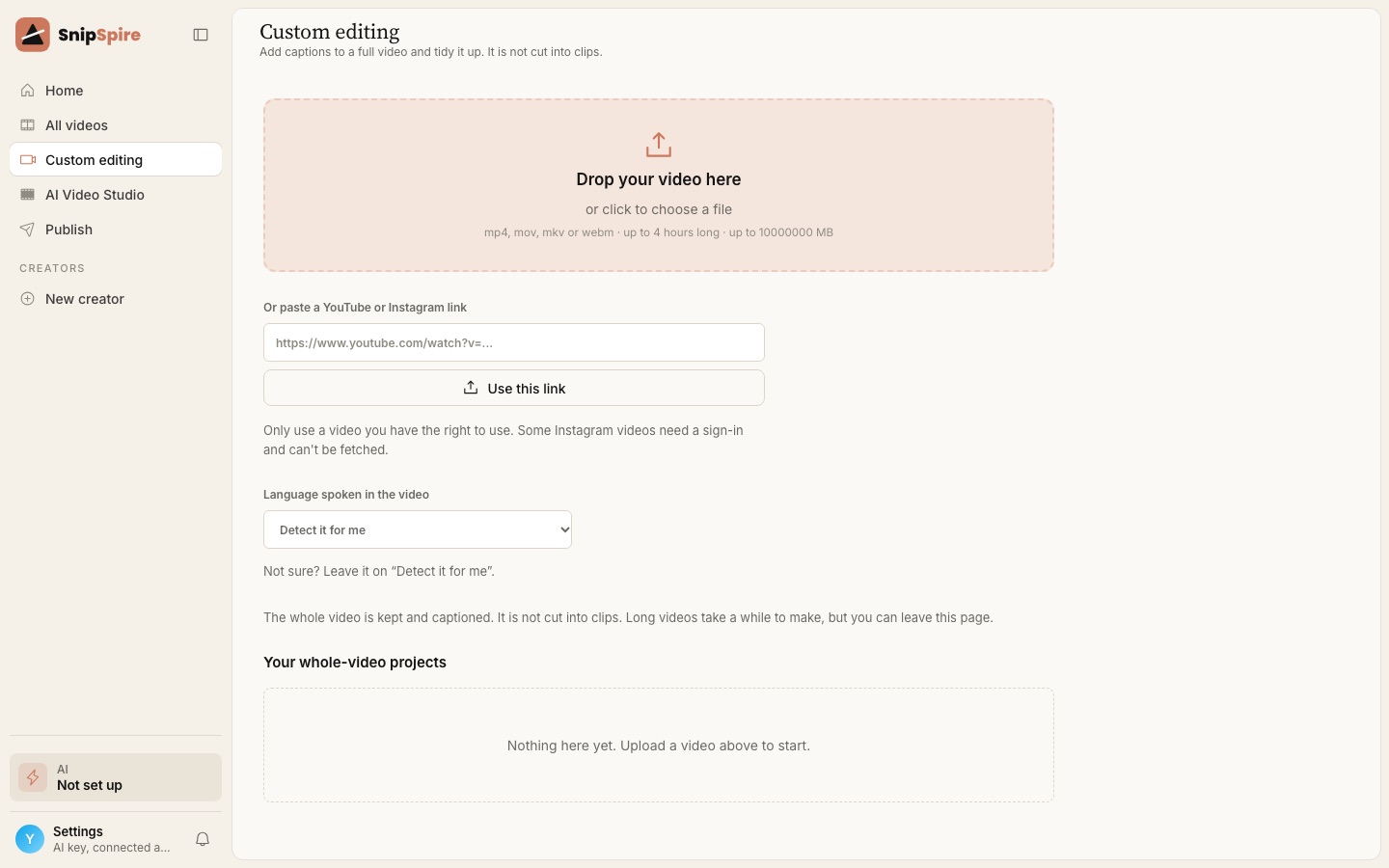
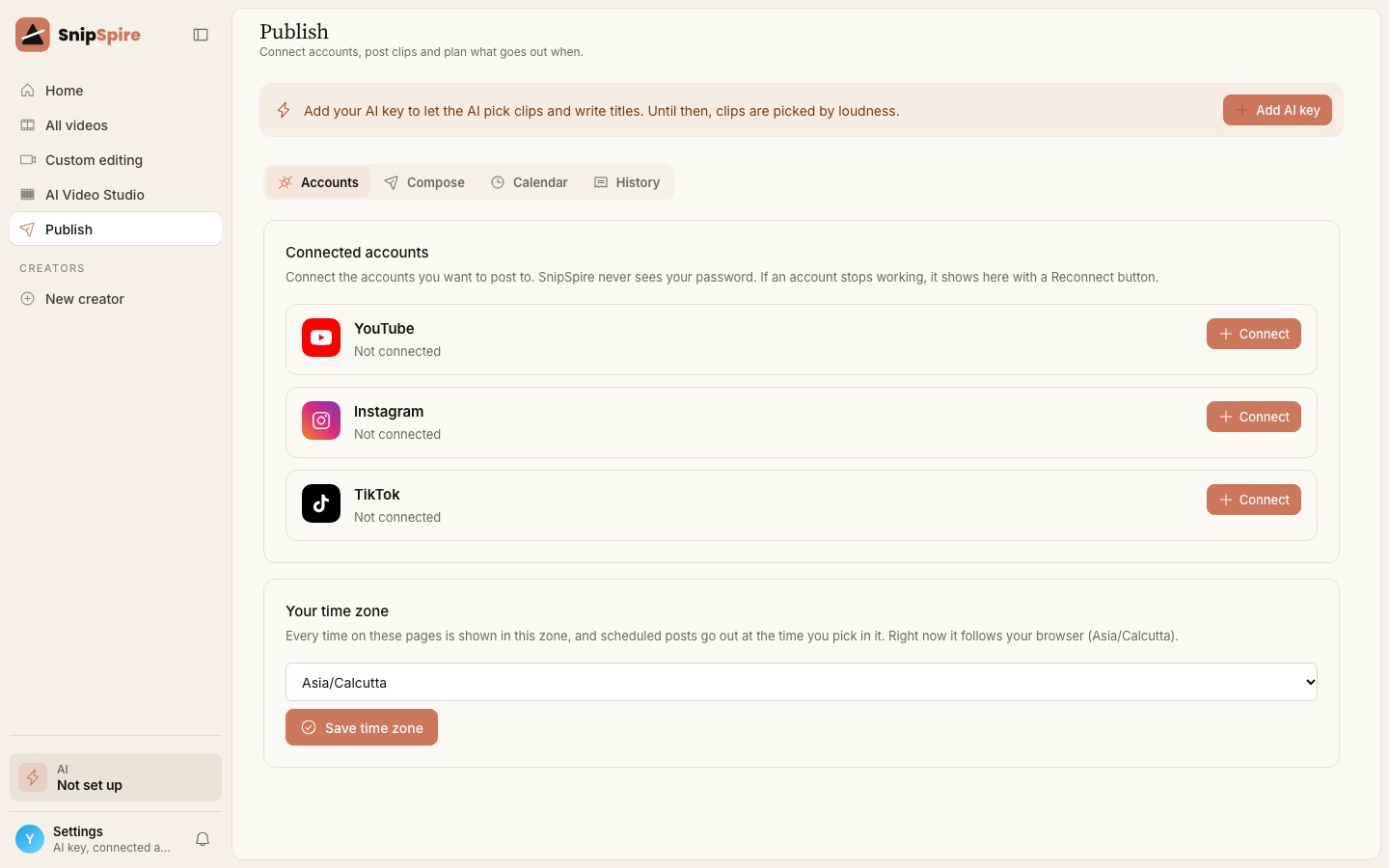
Real screens from SnipSpire, running on a laptop. No sign-up, no waiting list.
Four tools, one place
Clip finder
Paste a link or upload a file. The speech is transcribed on your own machine, the moments that would hold a stranger's attention are picked and scored, and each one comes back as a finished vertical clip.
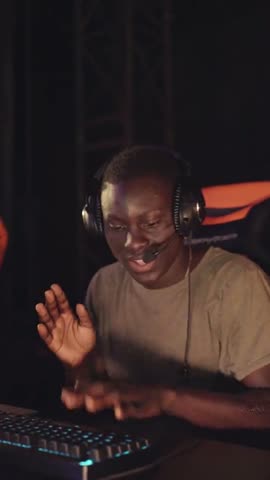
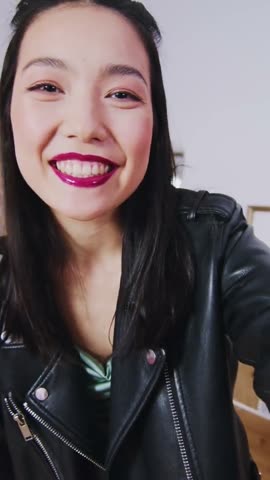
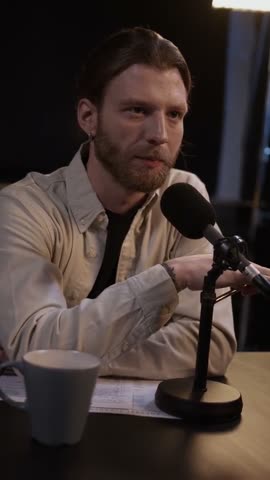
Studio
Open any clip and change anything: move the headline and captions, swap the caption look, fix or delete words, trim, and add your own text, pictures, stickers and short pieces of other videos.
Whole Video Editor
For the long version: delete a sentence from the transcript and it is gone from the video. Remove silences and every "um" in one go, add your logo and captions, and pick any shape.
So the thing nobody tells you
um about starting is that
the first hundred videos are practice.
You know, like, nobody is watching
yet, and that is the best part.
silence 2.4s
You get to be bad in private.
Live clipping
Add a creator's channel once. SnipSpire starts recording when they go live, keeps a rolling buffer and checks it as often as every minute. A clip is made when the words and the reaction agree.
And the rest
Names, slang and numbers the speech model got wrong are corrected before captions are burned in. It may respell a word, never swap in a different one.
The person in the picture is found so a headline can sit behind them, the look you see on big channels.
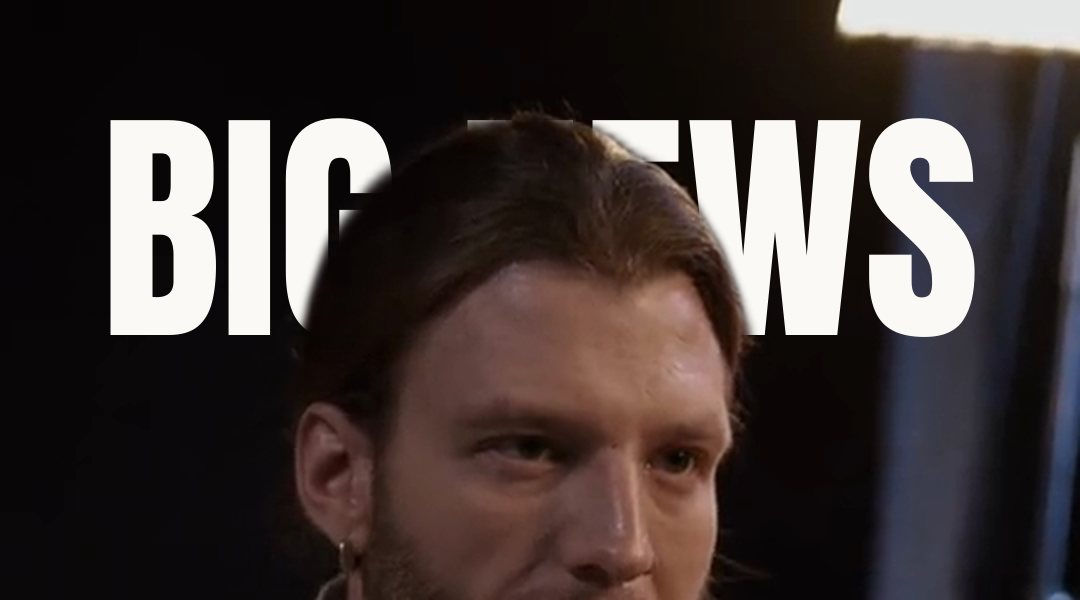
Picture generation through Cloudflare or Gemini, a text-free version for the Studio, and your own uploads.
CLUTCH
THE TRUTH
DAY 1
Point SnipSpire at a stronger computer on your network and it sends the speech-to-text work there.
A usage page lists each call with the creator, the video and the tokens, so you always know what your key is doing.
A message on Discord or Telegram when a clip is made or posted, and a short summary once a day.
SnipSpire3 new clips from Sunday stream
SnipSpirePosted to YouTube Shorts
How it works
A YouTube, Twitch or Kick link, a file, or a creator's channel for live streams. Pick a caption look and clip length.
A 15-minute video takes about two minutes. Long streams hand over their first clips after about two.
Tweak anything in the Studio, then download or send it to the posting queue.
Your AI, your bill
Add a key for the provider you already pay for, or run a model on your own machine. Without a key, clips are still made, chosen by loudness.
Anthropic
Why SnipSpire
Sign in from any browser and start clipping. We keep the AI, the speech model and the posting connections running for you, and every plan includes every feature.
"Typical hosted tools" is a general description, not any one product.
Who it is for
Pricing
Pay once for the days you want, in rupees, through Razorpay. Nothing renews by itself.
₹29for 2 days
Once per account, to try everything.
₹99for 30 days
A month of clipping and editing.
₹149for 60 days
Works out to about ₹74.5 a month.
Prices in Indian rupees. Pay with UPI, cards, netbanking or wallets.
Need help connecting YouTube and Instagram? We set up the posting connection for you for
₹199, paid separately from your plan. It is done with you on a screen share, and we never ask for your passwords. Ask for setup help.
See payments and
refunds.
FAQ
What people ask before their first video.
The hosted service is paid. A 2-day trial with everything unlocked is ₹29, once per account. 1 month is ₹99, and 2 months are ₹149, about ₹74.5 a month. Every plan includes every feature. If you want us to set up your YouTube and Instagram connection for you, that is ₹199 extra, once.
Payments go through Razorpay, so you can pay with UPI, debit or credit cards, netbanking or wallets. Your payment details go to Razorpay, not to us.
No. Every plan is a one-time payment. Nothing is charged again unless you choose to buy again.
The app locks until you buy a plan again. Your videos and clips are not deleted: they come back as soon as you buy. Buying again before the end adds the new days on top.
No. All payments are final and we do not give refunds, so please try everything with the 2-day trial for ₹29 first. Plans never renew by themselves, so there is nothing to cancel. Only a double charge by mistake is returned. The details are in our Terms.
A web browser.
Clip captions are written from English speech. The Whole Video Editor can detect the language spoken in a video, or you can choose it.
Yes. The Studio lets you move and restyle captions and the headline, fix words, trim, add text, pictures and video, and export again with the same renderer.
Yes. The Whole Video Editor cuts a full video from its transcript, removes silences and filler words, adds a logo and captions, and gives you SRT and VTT files.
Vertical 9:16 by default, 15 to 60 seconds, with layouts for one speaker, two people, or a webcam over gameplay. The Whole Video Editor can make any shape.
SnipSpire is a tool. You are responsible for having the right to clip and post a creator's content; most clipping programs ask you to follow the creator's own rules.
Paste the link and see what the AI picks. Try everything for 2 days for ₹29.